Week 10 Reflection
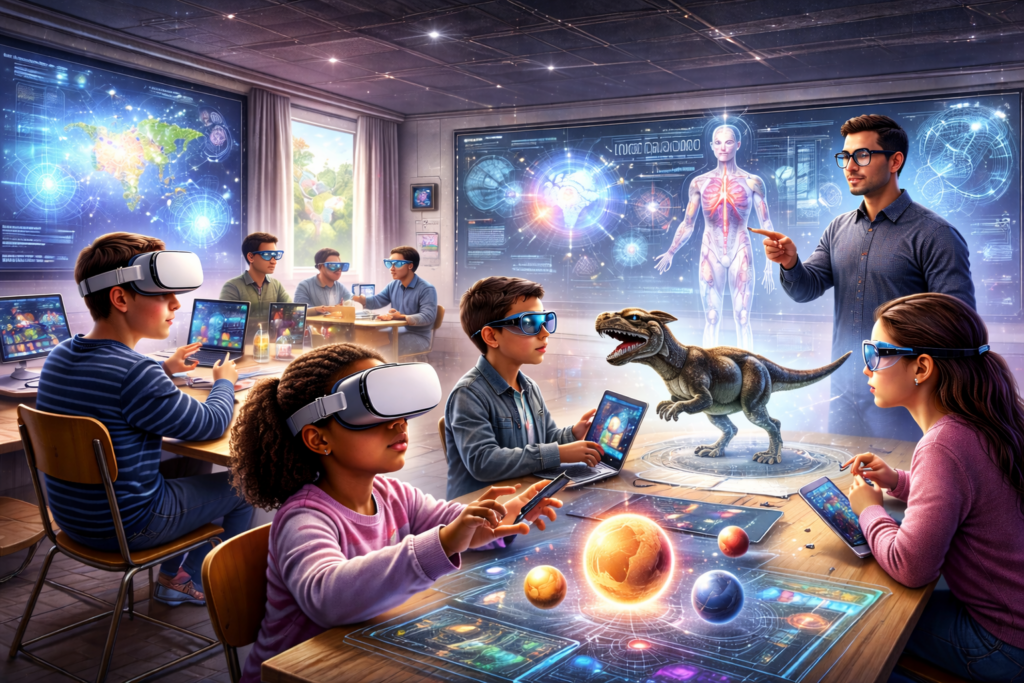
Universal Design for Learning (UDL) considers designing educational environments from the start to be accessible to most students, if not all. The article “XR from a UDL Perspective” by UC Berkley, explains how Extended Reality (ER) strongly supports UDL through the core principles: representation, action and expression, and engagement. XR allows students to learn concepts visually and through experience which may be just what they need to take their comprehension to the next level. However, XR relies on visuals, sound and movement, which is not accessible to all and students with sensory and motor disabilities may not benefit. To increase its accessibility, they need to consider features that accommodate and support students with sensory and motor disabilities. I personally think XR would be a great tool for the classroom depending on the students needs and learning content. For students are really struggling to visualize their learning, I would use XR as an assistive tool. I don’t think I would make XR the focus of a lesson, just because some students would not benefit due to their potential needs.
In my link-2-practise, I observed several technology tools to support UDL and students needs; such as, text-to-speech, speech-to-text, closed captioning, and translators. My class had several students which english was not their first language, therefore, translators were very beneficial when it came to clarifications. However, it was important that the students didn’t take advantage of the translators to the point they were not growing their english skills. I think this was difficult to define and establish in the classroom, especially when students were on their Chromebooks and the teacher was not monitoring their screens 24/7. Speech-to-text was another significant tool in the classroom, but I also questioned whether the students were building their writing/typing and fine-motor skills. Were they taking advantage of the tool? or was it meeting their needs where they are at? Where do we draw the line? and ask the student to not use it? Something I am keen to learn more about in my upcoming practicum. Where do assistive technologies and tools become more damaging to their growth than assistive to a students needs? And I understand it will be different for each student and their specific needs.
Virtual Reality (VR) and Augmented Reality (AR) offer the same benefits but also face the same challenges as XR. Though it does allow students to experience their learning, it also has the potential to negatively effect students emotional well-being and cause cybersickness. This article offers some great tips to teachers who may be thinking about utilizing VR and AR to align more with UDL. I tried VR when I was in highschool and personally suffered from cybersickness. I think a desktop alternative, which the article mentions, would help with this and would aid some students with similar experiences.
Beyond accessibility, these technologies provide several benefits:
- Increased engagement: The interactive and immersive features enhance learning engagement, motivation and student enjoyment.
- Facilitate collaboration: These devices can allow students to work and talk together in virtual settings.
- Enable educators to use data to improve pedagogical practice: Many of these tools can collect students activity and progress, allowing teachers to monitor their learning and support them where needed.
Annissa, thank you for reinforcing the importance of inclusion and emphasizing the need to prioritize building an accessible classroom learning environment. I agree, XR, AR, and VR have some benefits, but are not designed for all students.
Did you test out the accessibility tool? What are your thoughts on it?
I appreciate your citation for the photo!